Tag: modern web design

  • Why SEO matters for Cork businesses

    Why SEO matters for Cork businesses

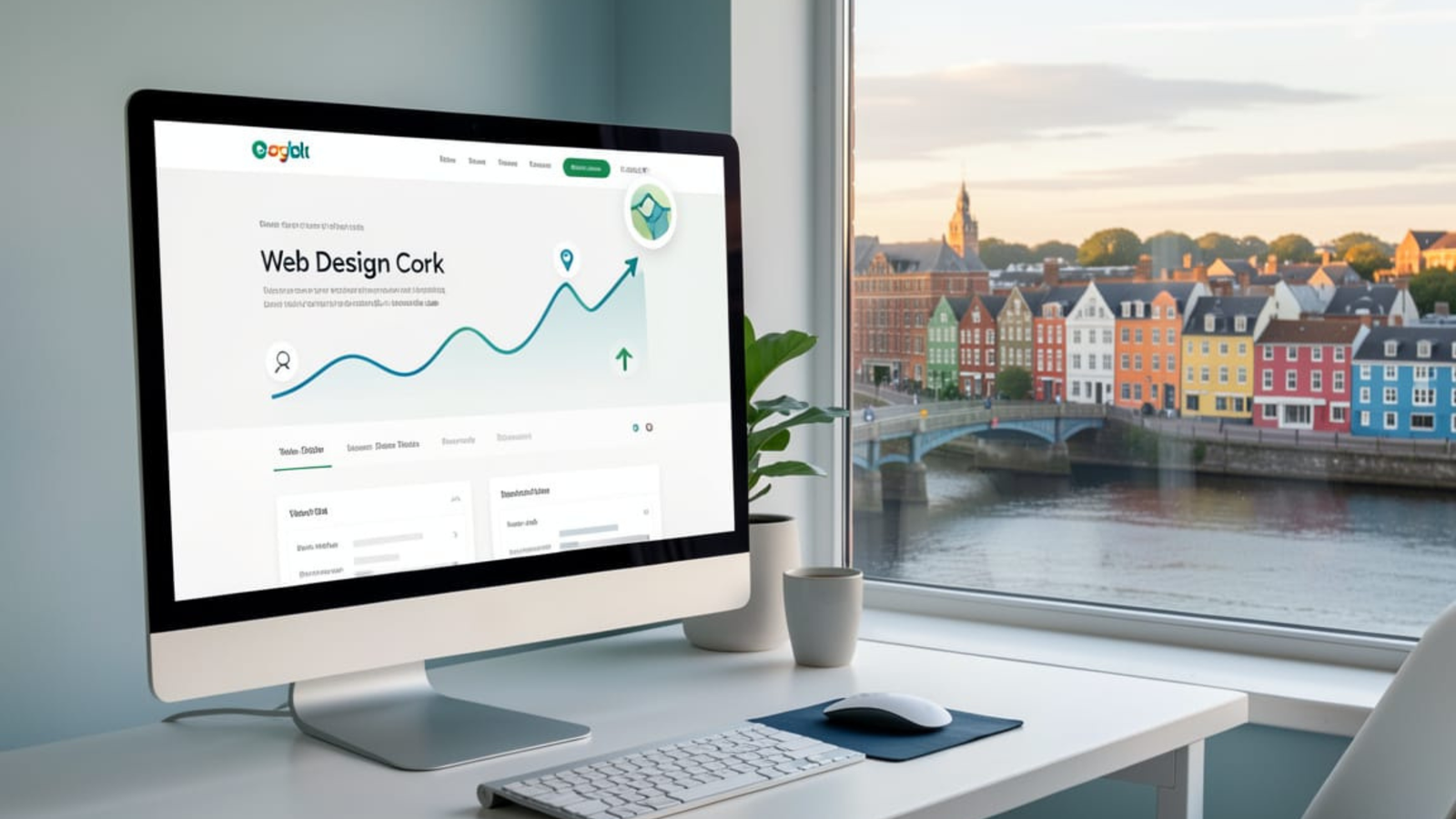
    Do Cork businesses need SEO? Yes—and if you offer Web Design Cork services, a strong SEO strategy is one of the fastest ways to get in front of ready-to-buy local customers.

    Why SEO matters for Cork businesses

    Cork consumers are searching online first, whether they need a plumber in Douglas, a café in Ballincollig, or a web designer in the city centre. Local SEO helps those businesses appear in Google’s organic results and the Map Pack when people search nearby. Nearly half of all Google searches have local intent, which means ranking well for Cork-focused terms directly affects enquiries, calls, and foot traffic.

    Local SEO also builds long-term visibility. Once your site is optimised and starts ranking, you can receive consistent organic traffic without paying for every single click like you would with ads. For small and medium-sized businesses in Cork, this can be the difference between relying on word of mouth and having a predictable pipeline of leads from search.

    Web design and SEO are tightly connected: a site that looks great but cannot be found in Google will not generate business. Modern Web Design Cork projects increasingly bake in SEO from the ground up, including fast load speeds, mobile responsiveness, clean code, and logical site structure. Agencies in Cork highlight that they build SEO-ready websites because it directly improves local visibility and increases enquiries from search.

    A custom website also makes it easier to implement on-page SEO best practices. That includes proper heading hierarchies, optimised title tags, persuasive meta descriptions, and content written around phrases such as “Web Design Cork” and related local keywords. Combined with strong UX—clear navigation, engaging layouts, and intuitive calls to action—this helps turn visitors from Google into leads and paying clients.

    Top benefits of SEO for Cork businesses

    Here are practical advantages Cork businesses see when they invest in SEO and quality web design:

    • Increased local visibility: Optimising for Cork-specific keywords and neighbourhood terms puts your business in front of people actively searching in your area.
    • Higher-quality traffic: SEO targets people who are already looking for your services, which means better conversion rates than broad, untargeted advertising.
    • More calls and enquiries: Local SEO (website + Google Business Profile) drives phone calls, contact form submissions, and shop visits from nearby customers.
    • Competitive edge in Cork: Appearing above local competitors in search results builds trust and authority, positioning your brand as the obvious choice.
    • Better return on investment: Compared with ongoing ad spend, organic rankings can keep generating traffic and leads for months or years with modest maintenance.
    • Stronger brand presence: Regular content creation, link building, and consistent NAP (Name, Address, Phone) details across directories reinforce your reputation locally.

    An example from Cork: businesses that invested in redesigning their website and aligning it with SEO saw a steady rise in organic visits and enquiries after launch, showing how design and optimisation working together directly impacts sales.

    Ranking your own Web Design Cork site

    If your goal is to rank your own site for “Web Design Cork”, you need to treat your business like your best client and apply a complete local SEO strategy.

    On-page optimisation for “Web Design Cork”

    Focus key pages of your site around your primary keyword and its close variants.

    • Use “Web Design Cork” in your homepage H1 and in at least one major service page heading, in a natural, human-readable way.
    • Craft a title tag such as “Web Design Cork – Custom, SEO-Friendly Websites for Local Businesses” and a compelling meta description that mentions Cork and your value proposition.
    • Write in-depth, helpful content about your services, process, and results for Cork clients, weaving in phrases like “professional web design Cork”, “SEO-friendly web development in Cork”, and “local business websites in Cork”.
    • Add dedicated service and location pages, for example “Web Design Cork City”, “Ecommerce Web Design Cork”, or “Small Business Web Design in Cork”, each with unique content.
    • Ensure fast loading times, responsive design, and clear internal linking, as these technical and UX factors contribute to better rankings and user engagement.

    Local SEO & Google Business Profile

    Google’s Map Pack is prime real estate for “Web Design Cork” searches, so you must signal to Google that you are a Cork-based provider.

    • Create and fully optimise your Google Business Profile with your Cork address, phone number, website URL, and accurate categories like “Website designer”.
    • Use “Web Design Cork” and related phrases in your business description and posts while keeping the copy natural.
    • Collect genuine reviews from local clients that mention Cork and your web design work where appropriate. Reviews influence both map rankings and click-through rates.
    • Ensure consistent NAP details across directories (e.g., local business listings, Irish industry sites, regional chambers).

    This combination of website optimisation and local signals tells Google you are highly relevant for Cork web design searches.

    Building authority with Cork-focused content and links

    Authority is a major ranking factor, especially in competitive niches like web design.

    • Publish regular blog posts answering questions Cork businesses actually ask about websites and SEO, such as “How much does web design cost in Cork?” or “Why Cork businesses need SEO-ready web design”.
    • Create case studies featuring local clients, highlighting tangible results (more traffic, enquiries, or bookings) from your web design and SEO work.
    • Earn backlinks from local sites: sponsor Cork events, partner with local agencies, contribute guest posts to Cork business blogs, or get featured in local media and directories.
    • Engage on social and local communities, then link back to relevant resources on your site (guides, checklists, or portfolio pieces for Cork businesses).

    Over time, these signals show search engines that your site is an authority on Web Design Cork, which strengthens your rankings for that and related keywords.

    When should a Cork business invest in SEO?

    Most Cork businesses should consider SEO when they:

    • Rely on local customers who search online before making a purchase.
    • Have a website that is not generating enquiries, despite looking good.
    • Compete in a crowded local market and need a sustainable way to stand out.
    • Want long-term growth rather than short, one-off campaigns.

    For a web design provider in Cork, SEO is not optional—it is a core part of how you attract clients and demonstrate your expertise. By optimising your site around “Web Design Cork”, investing in strong local signals, and building authority with Cork-focused content, you position your business where it matters most: in front of local companies actively searching for the services you offer.

    Ready to Upgrade Your Website for 2026?

    If you want a faster, cleaner, more modern website built for performance and long-term growth, I can help you design and build a future-proof system tailored to your business.
    👉 Send me a message or request a free consultation today.

  • Why Your Website Looks Great but Performs Poorly — And How to Fix It

    Why Your Website Looks Great but Performs Poorly — And How to Fix It

    A beautifully designed website can create a strong first impression, which often gives business owners a sense of confidence that their online presence is “good enough.” The colours look right, the layout seems modern, and everything appears polished at a glance. However, appearance alone doesn’t guarantee performance. In fact, many websites that look visually impressive still load slowly, frustrate users, or fail to convert visitors into customers.

    This disconnect between aesthetics and actual performance is one of the most common issues I see when helping businesses upgrade their online presence. While design certainly matters, the underlying structure of your website matters even more. When that structure is outdated or bloated, even the best-looking site can struggle. So, let’s explore why this happens — and more importantly, how you can fix it.


    The Hidden Problem Beneath “Good” Design

    It’s easy to evaluate a website based on surface visuals, but most performance issues occur below the surface. A site may look clean and modern, yet still rely on slow themes, overloaded plugins, or inefficient code. Although these elements are invisible to visitors, they shape the entire experience.

    A website might load slowly not because the layout is poor, but because it’s weighed down by scripts, unoptimised images, and background processes that fire every time someone opens a page. As users become more impatient and Google’s ranking algorithms grow stricter, even small inefficiencies can begin to hurt your business.

    Sooner or later, a beautiful design can’t make up for a slow, unstable, or poorly structured site.


    Why a Good-Looking Site Can Still Perform Poorly

    To understand the root cause, it helps to look at the elements that often cause problems — and why so many websites unintentionally fall into these traps.

    Slow or bloated themes

    Many template-based themes prioritise visuals over speed. They come with animations, sliders, built-in page builders, and extra features you might not even use. All of these assets load in the background, slowing down your site regardless of how minimal your design appears.

    Too many plugins working behind the scenes

    Plugins are incredibly useful, but when a site relies on dozens of them, they begin to compete for resources. Each one attempts to load scripts, CSS files, or database queries. Although you may never see the effect in your dashboard, your visitors feel it when a page takes three seconds — or longer — to load.

    Unoptimised images and media

    A site’s visuals may look stunning, but if the images aren’t properly compressed or resized, they create significant delays. Large hero images, product photos, or background videos can instantly double or triple loading times.

    Poor mobile optimisation

    A design might appear perfect on desktop but fall apart on mobile. As Google moves further into mobile-first indexing, a site that only looks good on larger screens will inevitably lose visibility and conversions.

    Weak technical foundations

    Even the best design cannot compensate for inefficient code, outdated hosting, or missing SEO structures such as meta data, clean URLs, schema markup, and internal linking. All of these influence how search engines and users perceive your website.

    When these factors combine, the final result is a website that looks good but performs badly. And because performance affects both user behaviour and search rankings, the consequences are difficult to ignore.


    How Poor Performance Impacts Your Business

    When users land on your website, their expectations are simple and immediate. They want information quickly, buttons that respond instantly, and pages that move smoothly. If your site takes too long or feels clunky, their patience disappears faster than you might think.

    Even a delay of one second can increase bounce rates substantially. A beautiful homepage won’t matter if visitors don’t stay long enough to see it. Google tracks these behaviours closely. When users leave quickly, your rankings begin to slip, which leads to fewer impressions, fewer clicks, and ultimately fewer customers.

    Because of this, website performance doesn’t just affect user experience — it affects revenue, trust, visibility, and long-term growth.


    How to Transform a Good-Looking Site Into a High-Performing One

    Fortunately, performance issues are fixable, and the solution doesn’t always require a complete visual redesign. The key lies in strengthening the technical foundation while preserving the design you already like.

    Start with a performance audit

    An audit reveals what’s slowing your site down. It examines your plugins, theme, image sizes, database structure, hosting environment, and overall technical setup. With these insights, you can prioritise what needs attention first.

    Optimise images and media

    Before changing anything else, ensure your images load as efficiently as possible. Modern formats like WebP, proper compression, and responsive image sizes can dramatically speed up your site without reducing quality.

    Reduce plugin dependency

    If your website relies heavily on plugins for functionality that could be handled natively or through lighter alternatives, it’s worth trimming the list. Fewer plugins mean faster loading and fewer conflicts.

    Consider a modern development approach

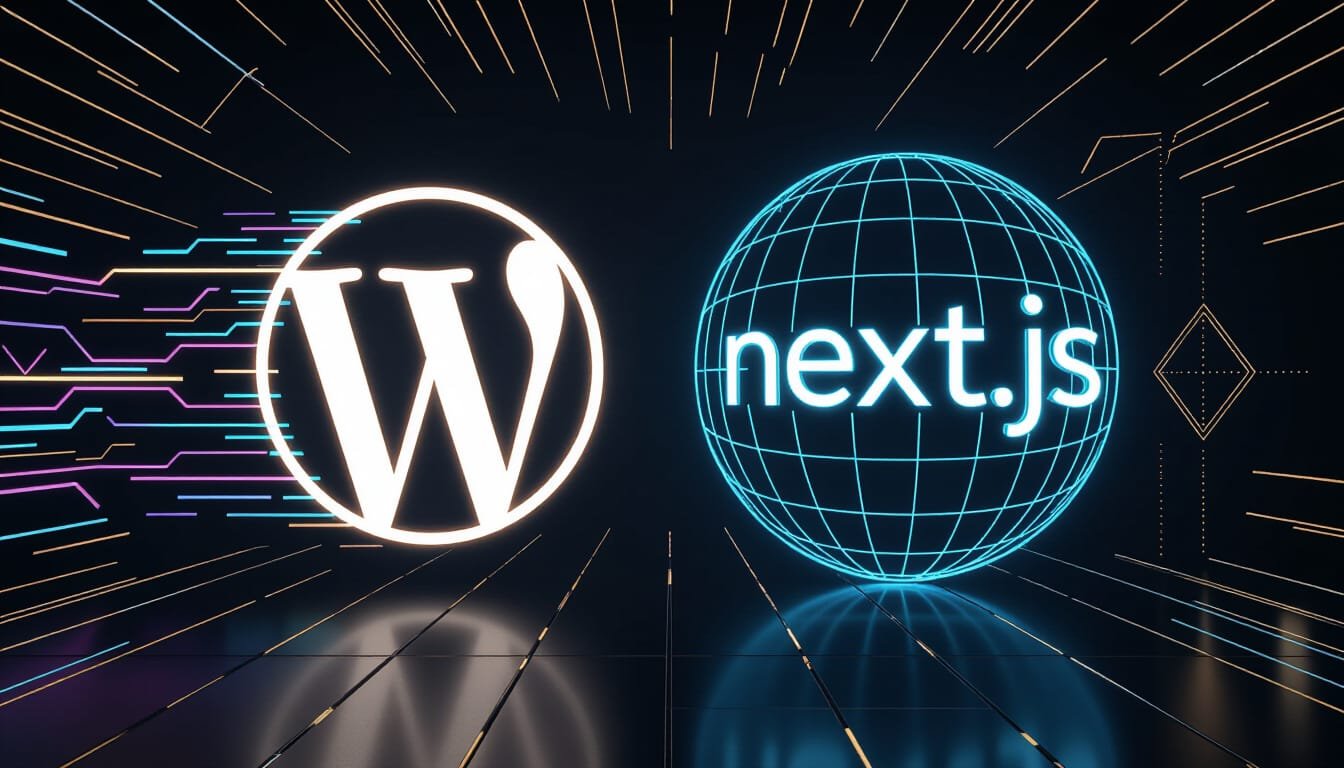
    If your site is becoming difficult to scale or maintain, a more modern approach — such as a headless WordPress + Next.js setup — can make a huge difference. This structure lets WordPress handle your content while Next.js handles the front-end. The result is a website that loads faster, performs more consistently, and adapts to growth without adding technical debt.

    Switch to performance-focused hosting

    Your hosting provider plays a larger role than most people expect. Moving to faster, more reliable hosting gives your website a better foundation immediately.

    Strengthen your SEO and internal structure

    Clean URLs, structured layouts, schema markup, and thoughtful internal linking all contribute to better performance and improved rankings. They also help search engines understand your content more clearly, which increases visibility in the long run.

    When all of these improvements align, your website becomes not only beautiful but also efficient, reliable, and results-driven.


    When It’s Time to Consider a Rebuild

    Some websites can be improved through optimisation alone. Others, however, reach a point where patching no longer makes sense. If your platform is outdated, your plugins are constantly breaking, or your hosting environment limits what you can do, a rebuild may be the most effective long-term decision.

    This doesn’t always mean redesigning your entire brand. It often means creating a faster, more stable structure beneath the design — one that ensures your site works as well as it looks.


    Final Thoughts

    A visually appealing website is an asset, but performance is what ultimately determines whether your visitors stay, engage, and convert. When design and performance work together, your website becomes more than an online brochure — it becomes a powerful business tool.

    If your website looks great but still feels slow, unstable, or difficult to maintain, it’s likely a technical issue rather than a design one. And the good news is that with the right improvements, those problems are entirely fixable.


    Ready to Improve Your Website’s Performance?

    If you want a site that looks fantastic and performs at a modern standard, I can help you analyse your current setup and create a plan to improve or rebuild your website for long-term success.

    👉 Send me a message or request a free consultation today.

  • The Fastest Way to Build a High-Converting Website

    The Fastest Way to Build a High-Converting Website

    The Modern Web Has One Requirement: Speed

    Today’s web moves fast — and users expect your website to move even faster. Whether you’re running a local business, growing an e-commerce brand, or offering services online, people visit your website with one simple expectation: it should just work. They don’t want to wait for pages to load, tap endlessly through menus, or struggle with clunky layouts. They want fast, reliable, mobile-friendly experiences that feel effortless.

    However, achieving that balance isn’t as easy as it sounds. Traditional platforms each come with their own limitations. WordPress is extremely flexible but often bogged down by theme bloat and plugin overload. Website builders are easy to use but restrict your control. Frameworks like Next.js are incredibly powerful, though they still need a robust backend to manage content.

    This mismatch is exactly why headless WordPress + Next.js has become such an effective combination. It brings together WordPress’s content editing strengths with the modern performance advantages of Next.js — ultimately giving you a website that loads quickly, ranks well, and adapts to your business.


    What “Headless WordPress” Really Means

    To put it simply, “headless” means that WordPress is used purely as a content management system, while the actual website is rendered by something else — in this case, Next.js.

    Instead of relying on heavy WordPress themes or front-end plugins, your content lives safely inside WordPress, while Next.js takes full control over how everything looks and performs. This separation unlocks a surprising number of benefits. For one, your editing workflow becomes cleaner. You write posts, upload images, and manage pages exactly as you always have. At the same time, you gain total design freedom on the front-end without worrying about theme limitations or plugin conflicts.

    More importantly, this architecture gives you direct control over performance. Because your site is no longer weighed down by WordPress’s rendering engine, it becomes faster, lighter, and significantly more secure. Your content remains in WordPress. Your visuals and experience come from Next.js. And your visitors enjoy the speed of a genuinely modern website.


    Why This Setup Feels So Fast

    A headless WordPress + Next.js website isn’t just slightly faster — it’s a completely different experience.

    Here’s why.

    Next.js is built for high-performance output

    With features like static site generation, server components, image optimisation, and automatic code-splitting, Next.js ensures your pages load quickly regardless of traffic or device type. These optimisations happen out of the box, which means your site gains a level of performance traditional CMS platforms simply can’t provide on their own.

    You eliminate plugin and theme bloat

    Once your front-end is handled by Next.js, you’re no longer dependent on themes or bulky page builders. That means no extra CSS files, no unnecessary JavaScript, and no overloaded plugin stacks. Your website becomes leaner, cleaner, and dramatically more stable.

    WordPress becomes a pure content API

    Because WordPress is only responsible for storing content—not rendering it—you cut out nearly everything that typically slows WordPress down. No complex theme layers, no templating overhead, and no layout reflows. The site serves content through an API, and Next.js handles the rest.

    Put all of this together, and it’s not unusual to see pages loading in under a second.


    Why This Structure Is a Win for SEO

    Speed isn’t just a nice feature — it’s now a direct ranking factor. When your site loads faster, Google notices. But beyond speed, a headless architecture brings several SEO advantages that help you stand out in crowded markets.

    Next.js gives you the ability to craft clean URLs, build advanced schema markup, optimise images, and achieve excellent Core Web Vitals — all of which send strong positive signals to search engines. Meanwhile, WordPress continues to offer the SEO tools you’re used to, such as titles, meta descriptions, featured images, categories, tags, and canonical URLs.

    The result is a platform that supports both sides of the SEO equation: the technical structure that Google’s algorithms love, and the content strategy your business depends on.


    Real Business Benefits (Not Just Technical Jargon)

    Although the technology behind this setup is impressive, the most meaningful benefits show up in everyday business performance.

    A faster site almost always leads to higher conversion rates, simply because users stay longer, click more, and complete more actions when they aren’t waiting for pages to load. Stronger performance also leads to better SEO, allowing your site to reach more people naturally. And because your front-end no longer relies on a fragile stack of plugins, you can expect fewer conflicts, lower maintenance, and fewer unexpected costs.

    Best of all, your content workflow doesn’t change. You keep using the WordPress editor you already know, so publishing new content remains effortless.

    For businesses looking to grow, the combination of performance, stability, and scalability often feels like a breath of fresh air — especially compared to slow themes and overloaded page builders.


    Who This Setup Is Perfect For

    Although any business can benefit from a faster website, this approach is especially powerful for:

    • companies needing a premium, modern web presence
    • brands requiring membership features or login areas
    • e-commerce stores that rely on conversion rates
    • local businesses competing in SEO-heavy markets
    • businesses planning long-term scale or expansion

    If you’ve ever felt limited by slow themes, clunky page builders, or rigid template systems, headless WordPress + Next.js is likely the upgrade you’ve been waiting for.


    Our Process for Building a High-Performance Headless Website

    To make the transition seamless, I follow a clear process from start to finish.

    1. Discovery

    We clarify your goals, understand your users, and gather technical requirements.

    2. WordPress Setup (Headless Mode)

    The backend is cleaned, streamlined, and prepared for modern content delivery. Plugins are kept minimal, SEO tools are configured, and WPGraphQL is integrated.

    3. Next.js Front-End Development

    This is where your design system, page components, animations, and SEO foundations are built. Every detail is crafted around performance and brand identity.

    4. Deployment

    Your site is deployed on Vercel for maximum speed, global CDN coverage, and automatic revalidation when content updates.

    5. Ongoing Support

    Once live, I assist with updates, performance monitoring, SEO improvements, and long-term optimisation.


    Is This an Expensive Upgrade?

    Surprisingly, not always.

    Because you remove plugin dependencies, avoid theme renewals, reduce maintenance hours, and eliminate hosting inefficiencies, many small businesses actually save money long-term. You end up with a system that’s faster, more secure, easier to update, and far more stable—all without the recurring overhead of bulky WordPress setups.

    In return, you get an enterprise-grade website that performs at a level traditional systems simply can’t match.


    Final Thoughts

    If you’re aiming for a site that feels fast, modern, secure, flexible, and designed for growth, then the headless WordPress + Next.js approach is one of the strongest choices you can make in 2025 and beyond. It gives you the editorial simplicity of WordPress with the front-end power of a cutting-edge framework.

    When those strengths come together, they don’t just create a better-looking website—they create a better-performing business.


    Ready to Build a Website That Actually Performs?

    If you want a site that loads instantly, ranks higher, and converts more visitors into customers, I can build a fully optimised, future-ready headless WordPress + Next.js setup tailored to your goals.

    👉 Send me a message or request a free consultation.